The November Drop.
We tried to pick our five highlights this month. We couldn't fit it in five. Here is every new feature and upgrade we shipped in November.
Every headliner, in under four minutes. The video on the sample company's portal was made with AI, and the app screens show sample data.
From our founder
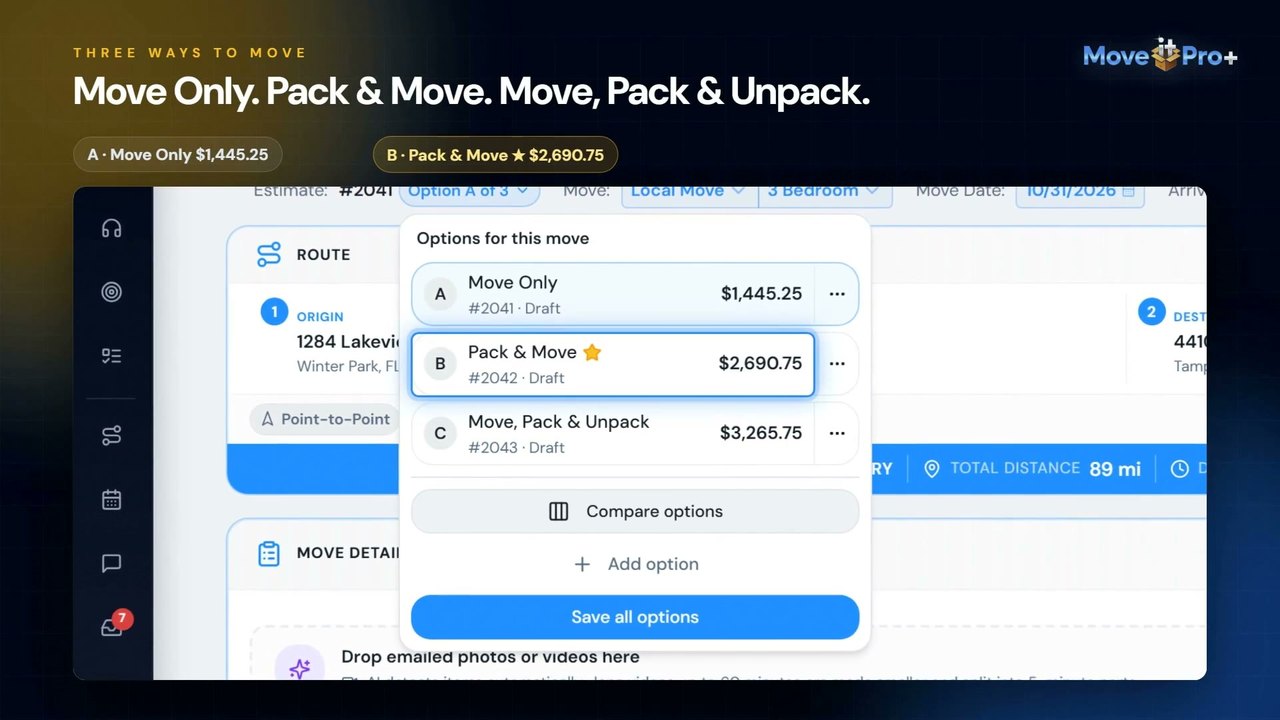
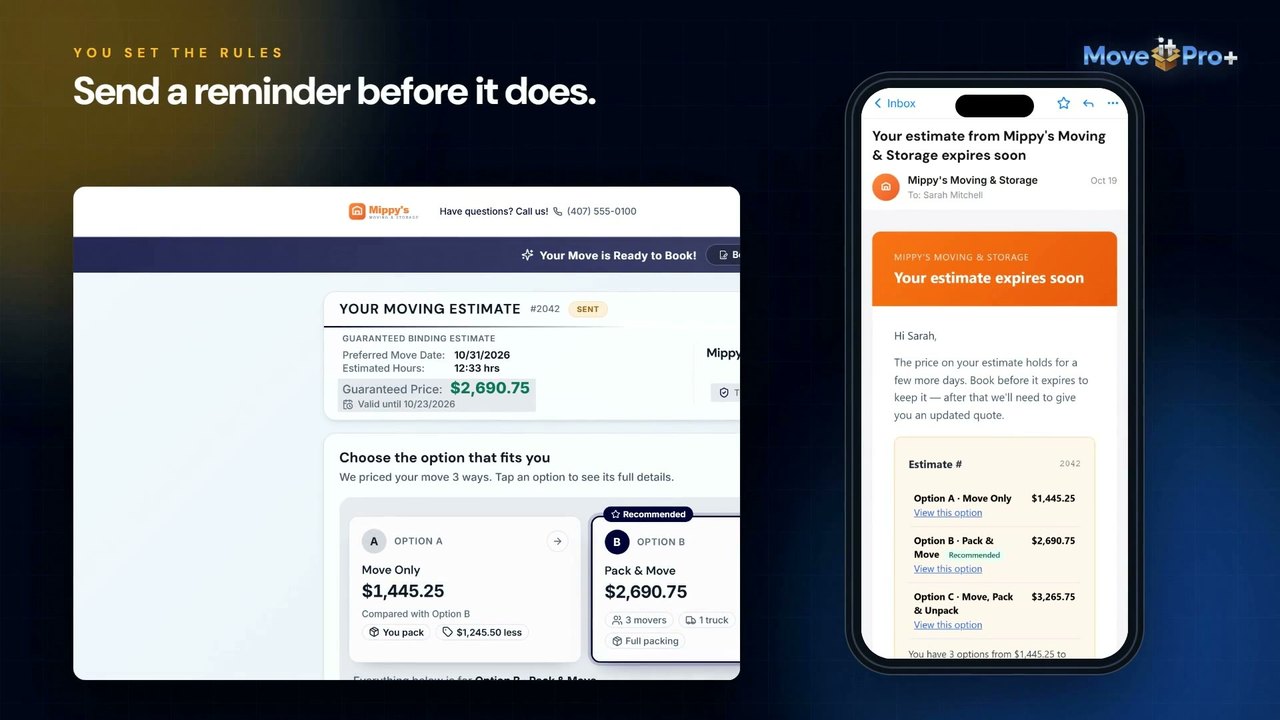
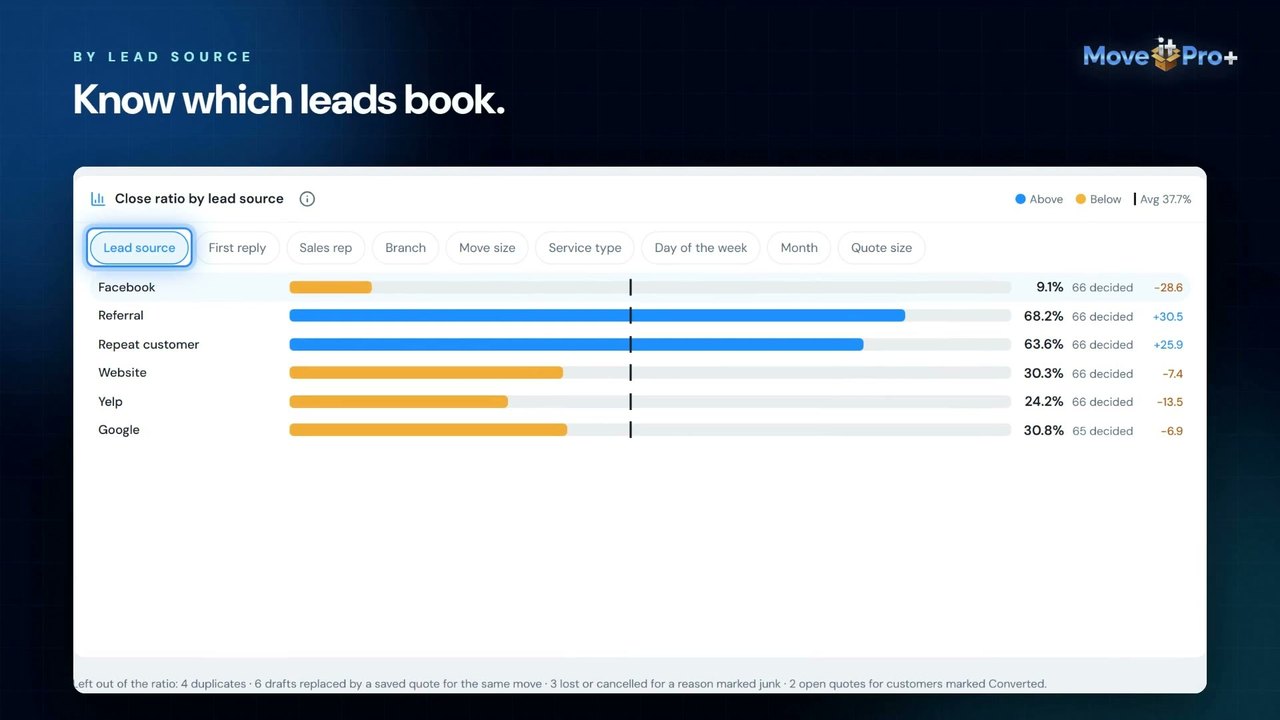
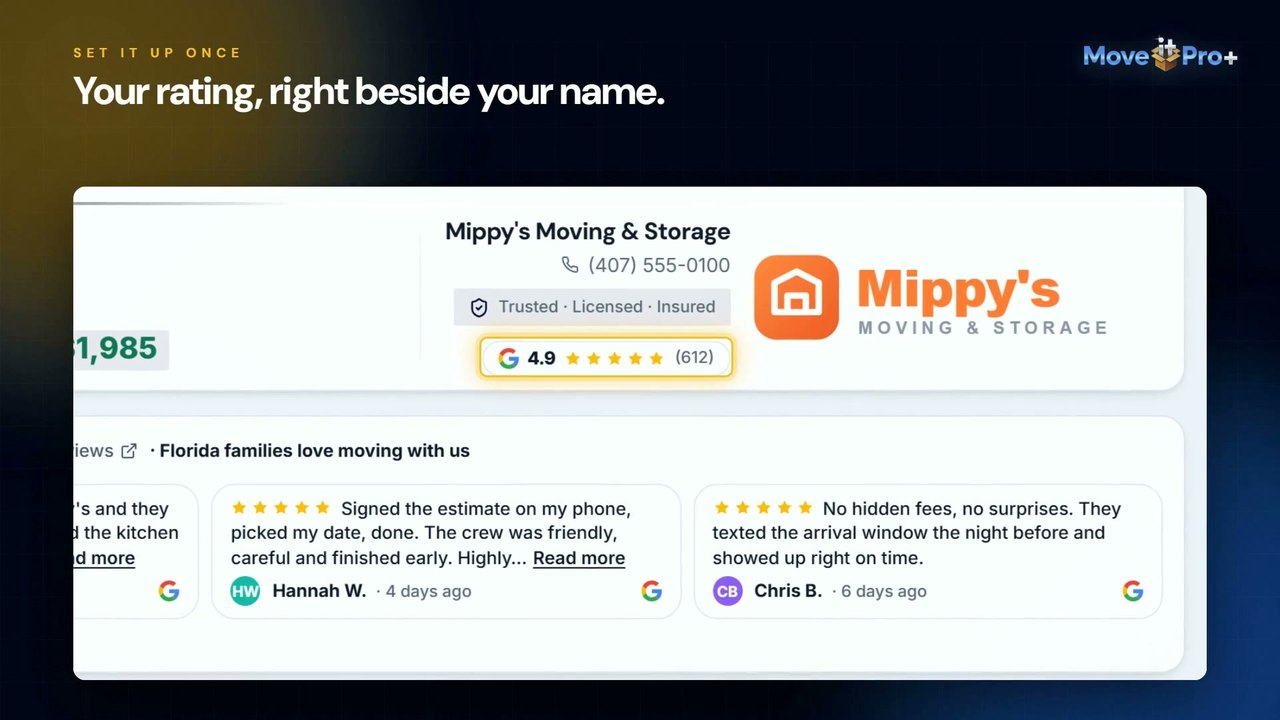
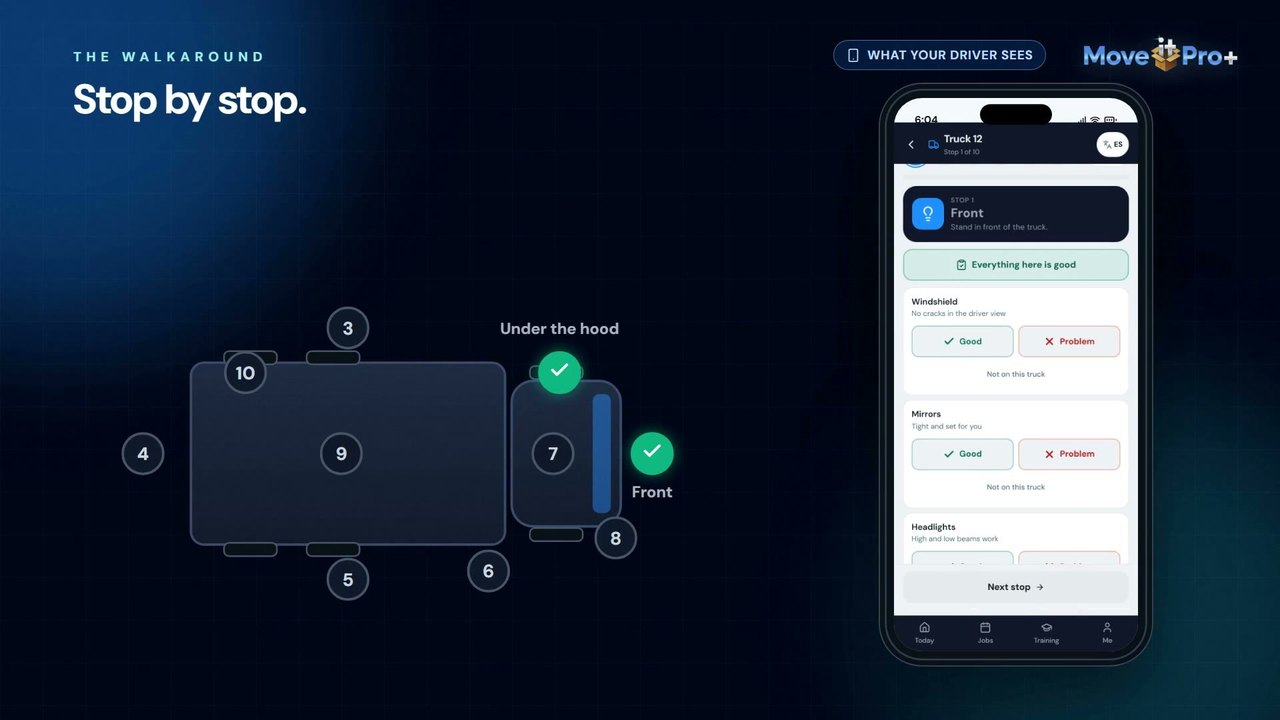
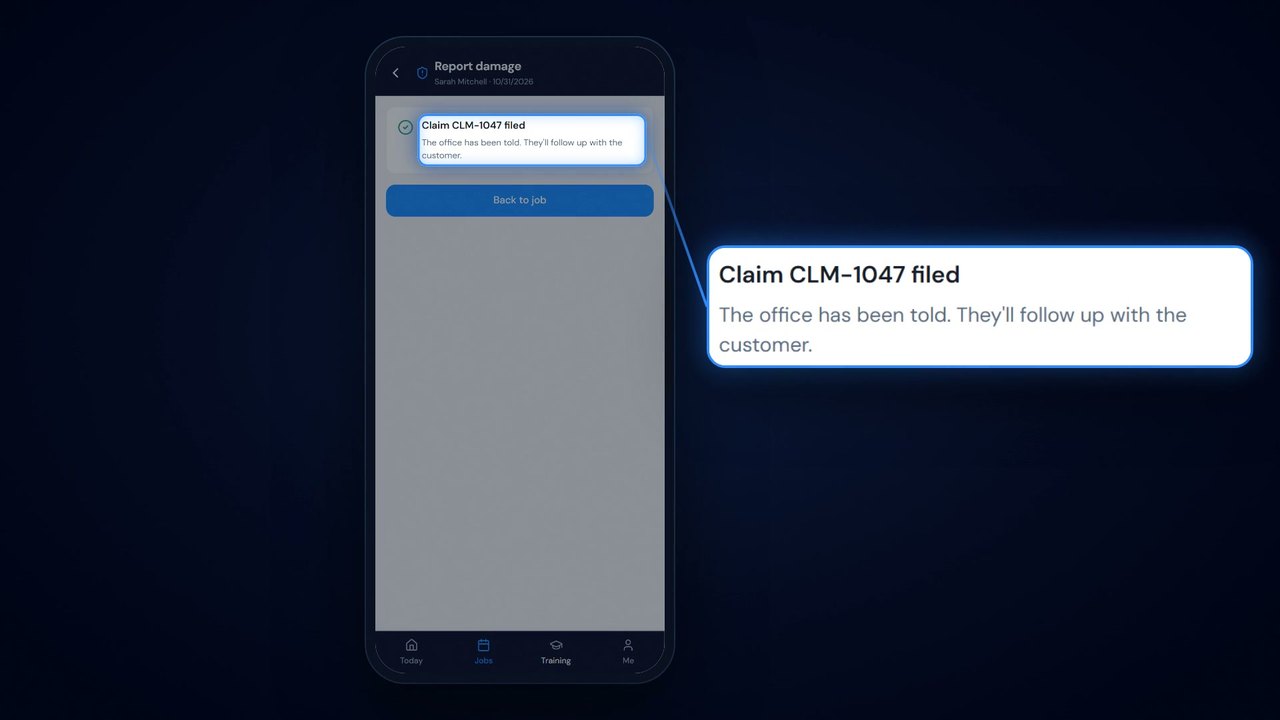
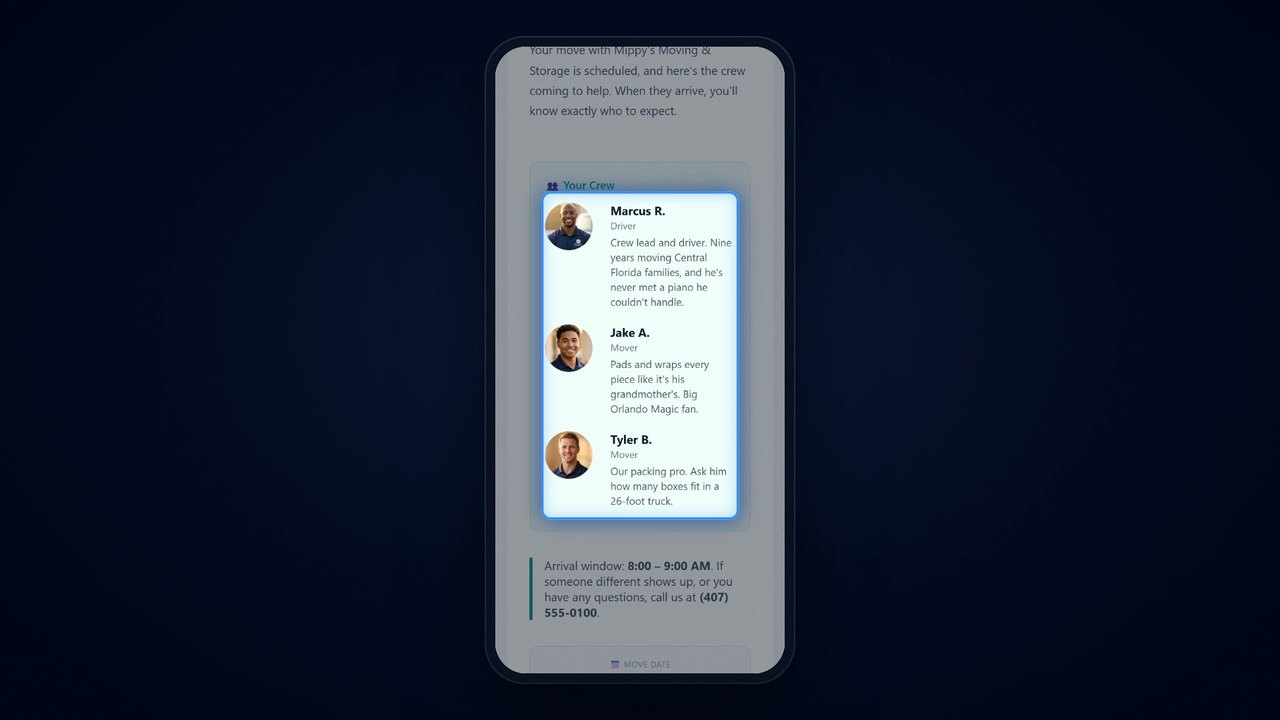
This month we sat down to pick our five highlights, and we couldn't do it. Our team shipped more than sixty new features and upgrades in thirty days: estimates with options that expire, a dashboard that shows exactly why you win and lose, a customer portal that sells for you with your own video and your Google reviews, and a crew app that handles the walkaround and the damage claim on the spot.
And every one of them is included in MoveitPro+. No add-ons, no new monthly fees. They came from moving companies telling us what would make their day easier, so keep telling us. December is already shipping.
Jason Bergenske · Founder, MoveitPro
Chapter 01
Win the sale
Chapter 02
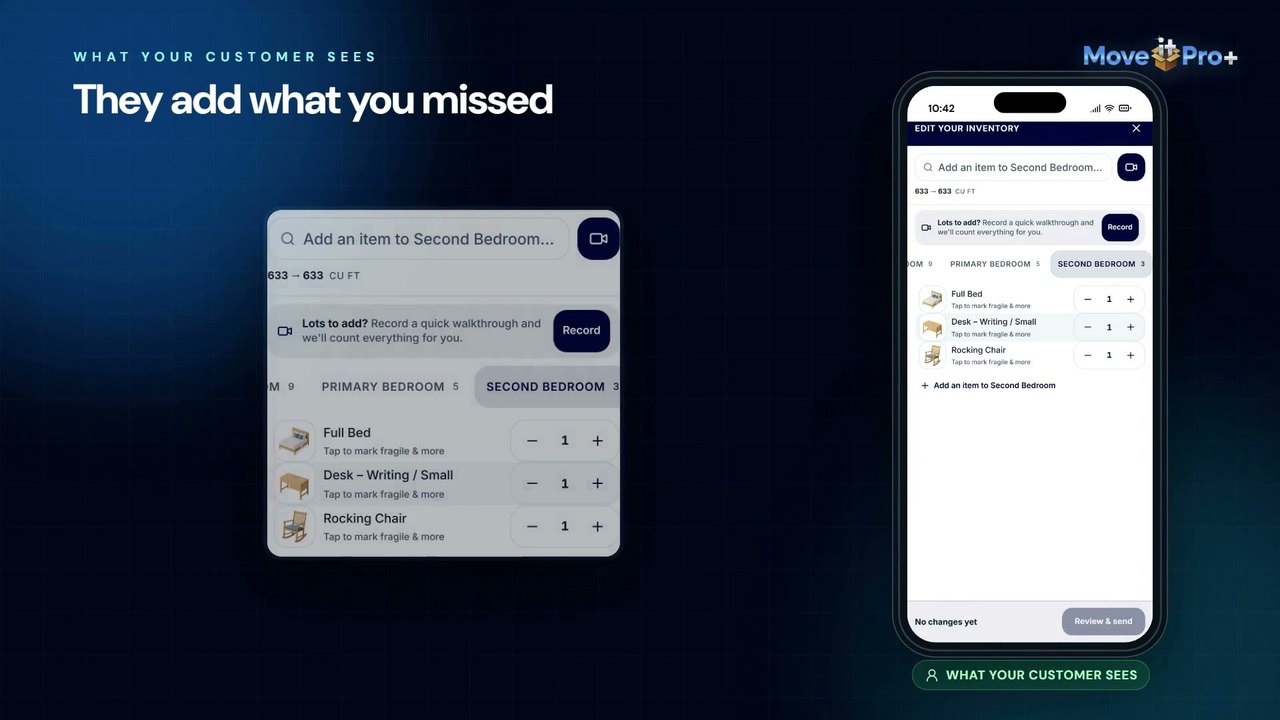
First impressions close moves

Chapter 03
Billing that keeps up
 07 / 66
New in November
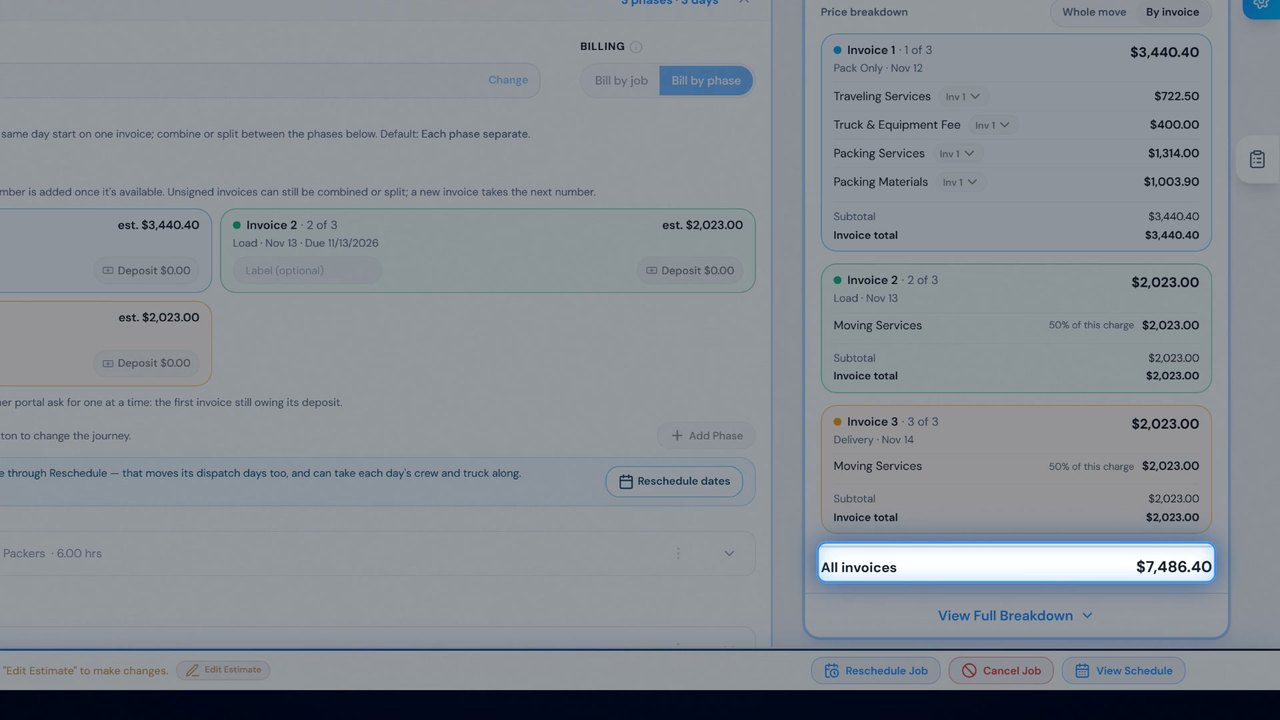
Bill by Phase
A multi-day move invoices each phase on its own, with its own deposit and balance. Now on for every company.
Chapter 04
Built for the field
Chapter 05
The little things
 13 / 66
New in November
Thanksgiving theme
A custom-drawn Thanksgiving theme, right inside the app. Some features exist because your team works hard and deserves a little fun.
Lightning round
53 more from November.
As fast as we can list them.
Payments
- 14Bank-account deposits
Customers pay the booking deposit straight from their bank account on the portal.
- 15Refunds that credit the bill
A refund can take a claim or a credit off the bill in one step.
- 16Chargebacks to QuickBooks
Record a chargeback and send it to QuickBooks.
- 17Whole-estimate discounts
Take a discount off the whole estimate in one step.
- 18UK pounds
UK companies charge their customers in pounds.
Payroll & commission
- 19Pay statements as PDF or CSV
Hand every employee a clean pay statement.
- 20Pay travel time
Choose whether travel time is paid, and filter the Time Clock by branch.
- 21Commission statements
Every commission award carries its date, and statements filter by it.
Sales & estimates
- 22Sign documents before booking
Customers sign the documents you choose before Accept & Book, with defaults by job type.
- 23Hourly quotes show the rate
An hourly quote can state its rate right on the portal.
- 24Tasks, one at a time
Work through overdue and due-today tasks one at a time.
- 25A true past-due badge
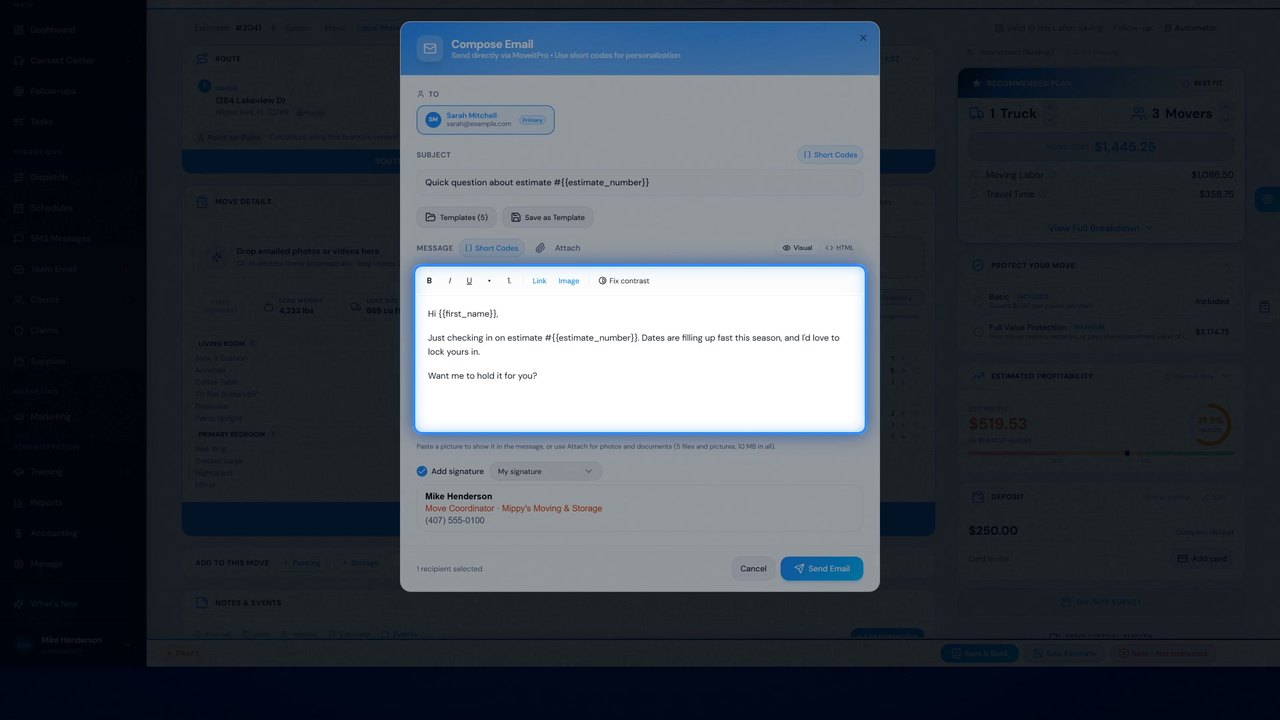
The Tasks badge counts every past-due task.
- 26Last-contact column
See when every open estimate was last contacted.
- 27Lead Received column
Sort leads by when they came in, newest first.
- 28Block off time on the calendar
Reps block off the time they're unavailable, and survey booking warns.
- 29A send-to checklist
Choose exactly who gets the estimate link.
- 30Links for related people
Authorize a customer's related people to get estimate and signing links.
- 31Job types with their own notes
Each job type carries its own default estimate notes.
- 32The previous inventory load
See a customer's previous inventory load on a new estimate.
Crew & dispatch
- 33End Day for crews
Crews end their day in the app, and the day closes cleanly.
- 34Temp crew from your phone
Add temp crew straight from the phone Day Board.
- 35Max jobs at once
Set how many jobs can run at the same time.
- 36Crew report time
Set when the crew reports, as minutes before the arrival window.
- 37Crew Arriving Soon notices
Customers hear when the crew is on the way.
- 38Drive times on the Day Board
See the drive between jobs right on the Day Board.
- 39Reach every contact on a job
Crews call or text a job's other contacts through the company line.
- 40Shared crew tablets
Shared crew tablets count as equipment, not employees.
- 41Truck cost per day
Give every truck an operating cost per day.
- 42Calendar colors by crew size
Color Google Calendar job events by crew size or trucks.
Bill of Lading & closeout
- 43Trucks and crew as separate lines
The customer's copy shows trucks and crew on their own lines.
- 44Crew paper copies
Paper copies for the crew with blank totals, plus a phone view.
- 45One Accounting search
Search all of Close Out at once, and change who's billed.
- 46Go to next job
A per-person switch to jump straight to the next job in Close Out.
- 47What can change after signing
Office and crew checklists for what can still change after the customer signs.
Storage
- 48Short-term warehouse holds
Hold goods short-term by units, weight or cubic feet.
- 49Billing cycles and increases
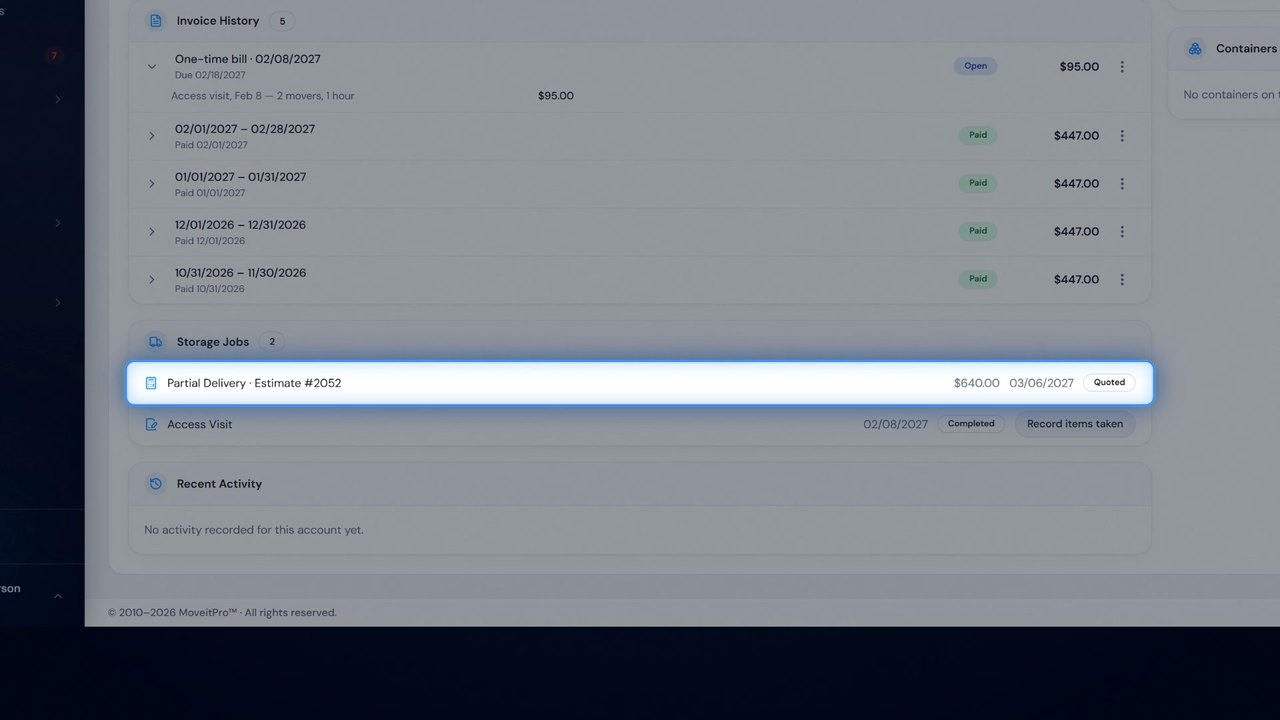
Default billing cycles, increases every few cycles, and per-customer exclusions.
Messaging & email
- 50Attachments on automated emails
Attach files to automated and claim emails.
- 51Self-serve sending domains
Send from your own domain, set up yourself.
- 52Which automation sent a text
See exactly which automation sent any text.
- 53Needs-reply filter
Find every conversation still waiting on your team.
- 54More short codes
Branch name, estimate number and job number short codes.
Phones & reports
- 55Round-robin ringing
Ring each person for a set time before moving on.
- 56Australian phone numbers
Add Australian numbers, with self-serve registration.
- 57Text analytics
See how your team's texting is performing.
- 58Call detail and history search
Open any call's detail and search the whole call history.
- 59Custom report upgrades
Name your reports, filter by Cancelled, and add a Total row.
- 60Job profitability by price type
Compare profit across hourly, guaranteed and not-to-exceed jobs.
- 61Ad accounts in Marketing ROI
Connect your ad accounts right on the Marketing ROI page.
- 62Workflow conditions
Workflows check the sales rep, the day of the week and the service type.
Team & partners
- 63University videos in Spanish
MoveitPro University training videos in Spanish, in both apps.
- 64Your own training videos
Upload a video file to any training step.
- 65Referral partner tools
Design your referral quote form, add photos to partner notes and change a partner's status from the menu.
- 66API upgrades
Webhook resend, rate-limit headers, booked and rep filters, jobs by crew member and more.
That was November
Five highlights? We couldn't fit ours in five.
And we didn't charge you extra for a single one. See it in your own business, or catch up on October.