Moving company software pricing should be clear before you switch.
The cheapest system is not always the lowest-cost system. Compare what is included, what requires add-ons, how migration works, and how quickly your team can actually use it.
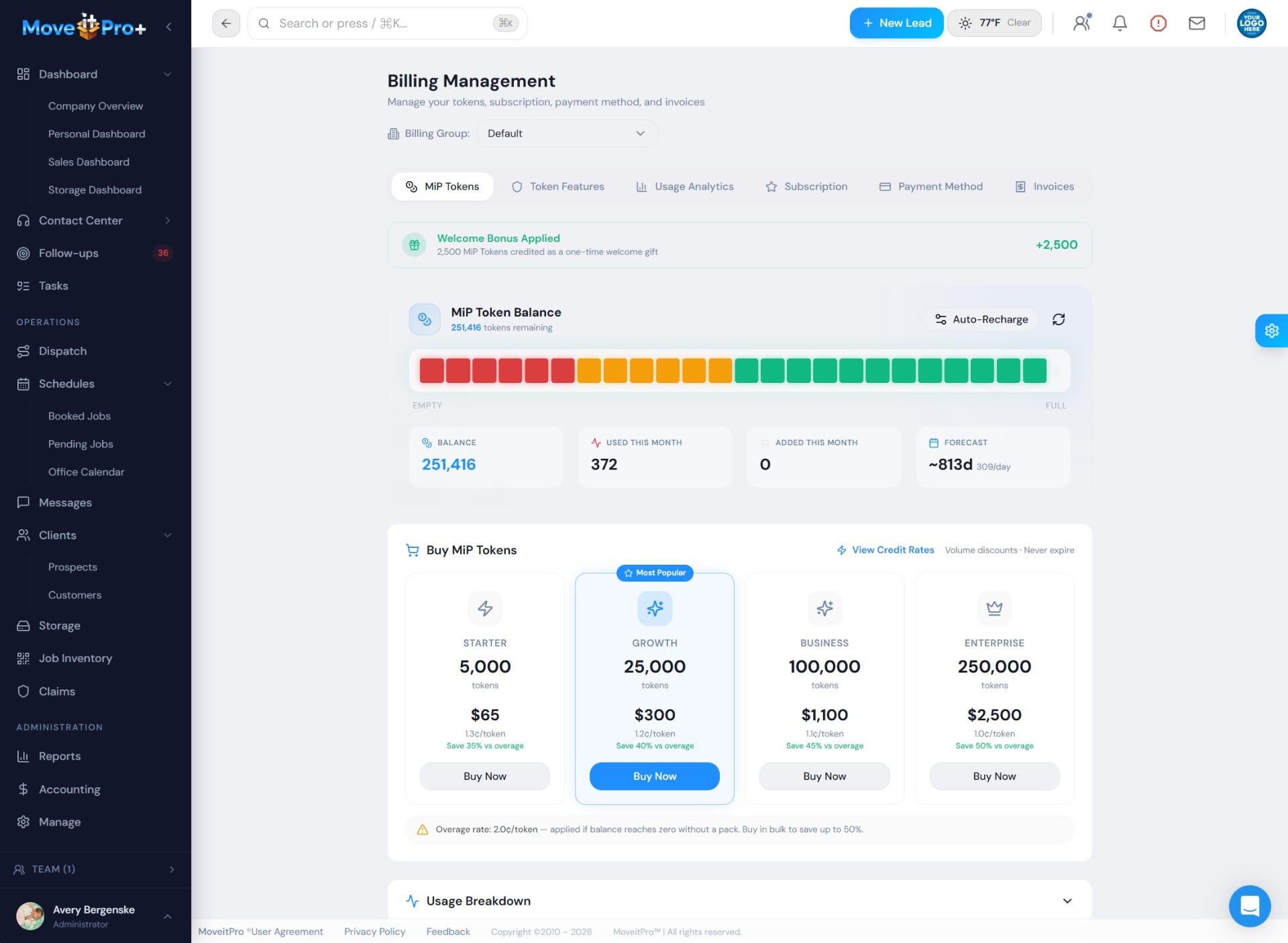
Pricing conversations are easier when usage, billing context, and workflow value are visible.
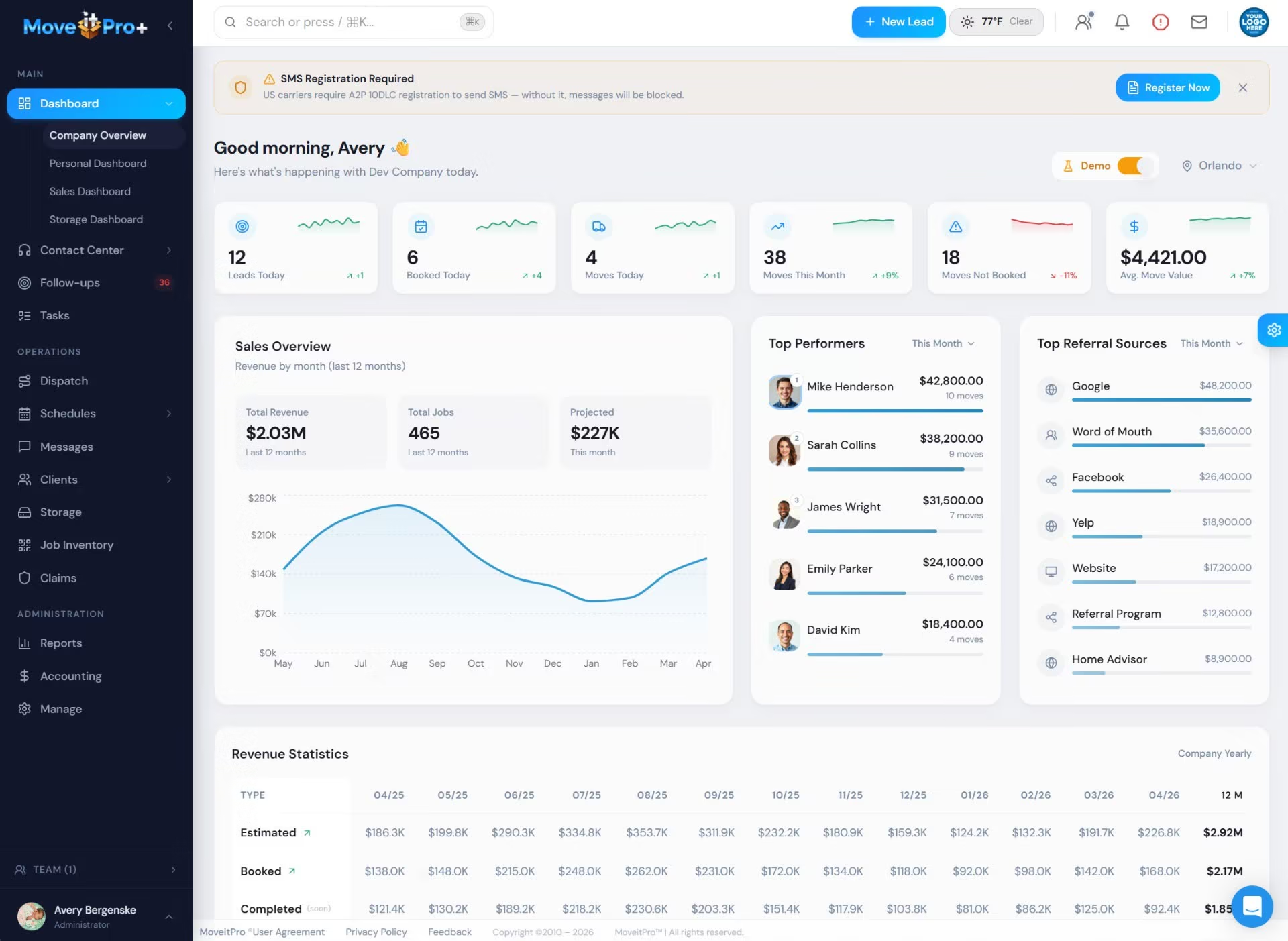
The right pricing discussion starts with the workflows the platform can consolidate.
Value before price
The real cost question is what gets replaced, recovered, and made visible.
A lower subscription can still be expensive if calls are missed, follow-up is scattered, dispatch is disconnected, or managers cannot see where revenue is leaking.
What affects moving software cost?
Questions to ask every vendor
Pricing comparison
Transparent price is useful. Total operating cost matters more.
Elromco is using public pricing in the market, so MoveitPro+ should help buyers compare beyond a monthly number.
Public flat-price plans
Vendors like Elromco use transparent monthly pricing as a trust signal. Compare the price, but also compare users, SMS, implementation, support, AI, and what happens as the company grows.
Learn moreCustom workflow pricing
Custom pricing can make sense when the system needs to cover CRM, call center workflows, migration, dispatch, reporting, storage, payments, and multi-location complexity.
Learn moreTotal cost of missed revenue
The biggest cost may be missed calls, weak follow-up, duplicate entry, slow dispatch handoff, and no visibility into why leads did not book.
Learn morePrice is only one part of the decision.
A moving company CRM should help you book more jobs, reduce missed follow-up, improve dispatch, recover call-center revenue, and save admin time. The right pricing conversation starts with your workflow.